FluxDrive
In addition to compute resources, FluxCloud also offers decentralized storage powered by IPFS.
FluxDrive lets you securely store, manage, and share your files with Web3 infrastructure, global distribution, and unlimited bandwidth.
Access Methods
FluxDrive can be used two ways — both are available on every paid plan and use the same underlying storage:
- Web UI — manage your files in a browser at cloud.runonflux.com/flux-drive. Best for everyday use, manual uploads, and sharing links.
- API — programmatic access for dApps, automation, and integration into Web3 projects. See the API Reference for endpoints and authentication.
Subscription Plans
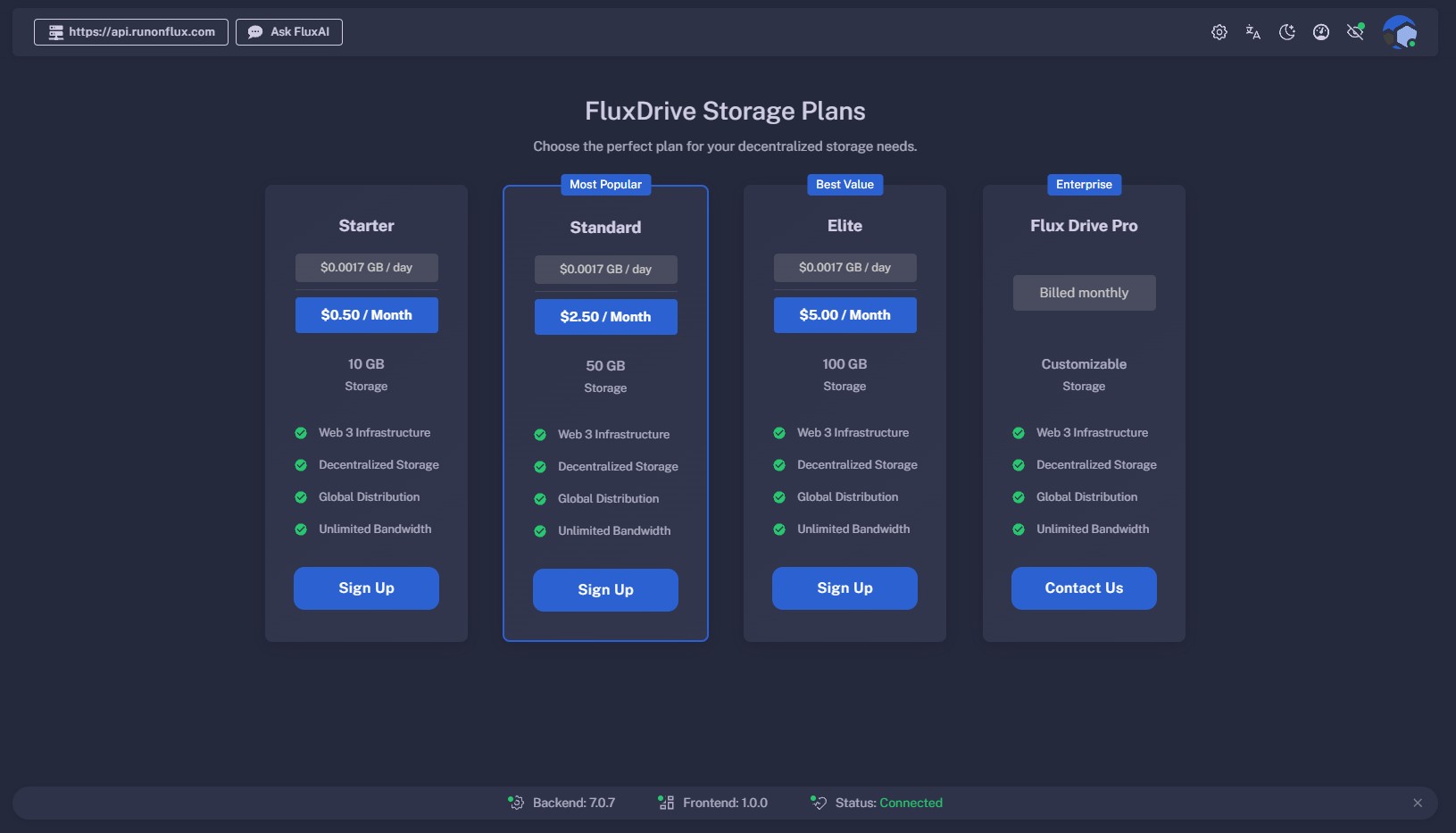
We offer multiple subscription options to suit different storage needs. All plans include Web3 infrastructure, decentralized storage, global distribution, and unlimited bandwidth at no extra cost. Both web UI and API access are included on every paid plan.
| Plan | Storage | Price (USD per day) | Price (USD per month) |
|---|---|---|---|
| STARTER | 10 GB | $0.0017 / GB | $0.50 |
| STANDARD | 50 GB | $0.0017 / GB | $2.50 |
| ELITE | 100 GB | $0.0017 / GB | $5.00 |
| PRO | Custom | — | Custom Pricing |
Getting Started
- Sign in at cloud.runonflux.com/flux-drive with your FluxID (Zelcore wallet).
- Select Sign Up on the plan of your choice.
- Choose your payment method:
- FLUX
- Crypto.com
For programmatic access, see the API Reference for how to generate an API key and authenticate.
Managing Your Files & Folders (Web UI)
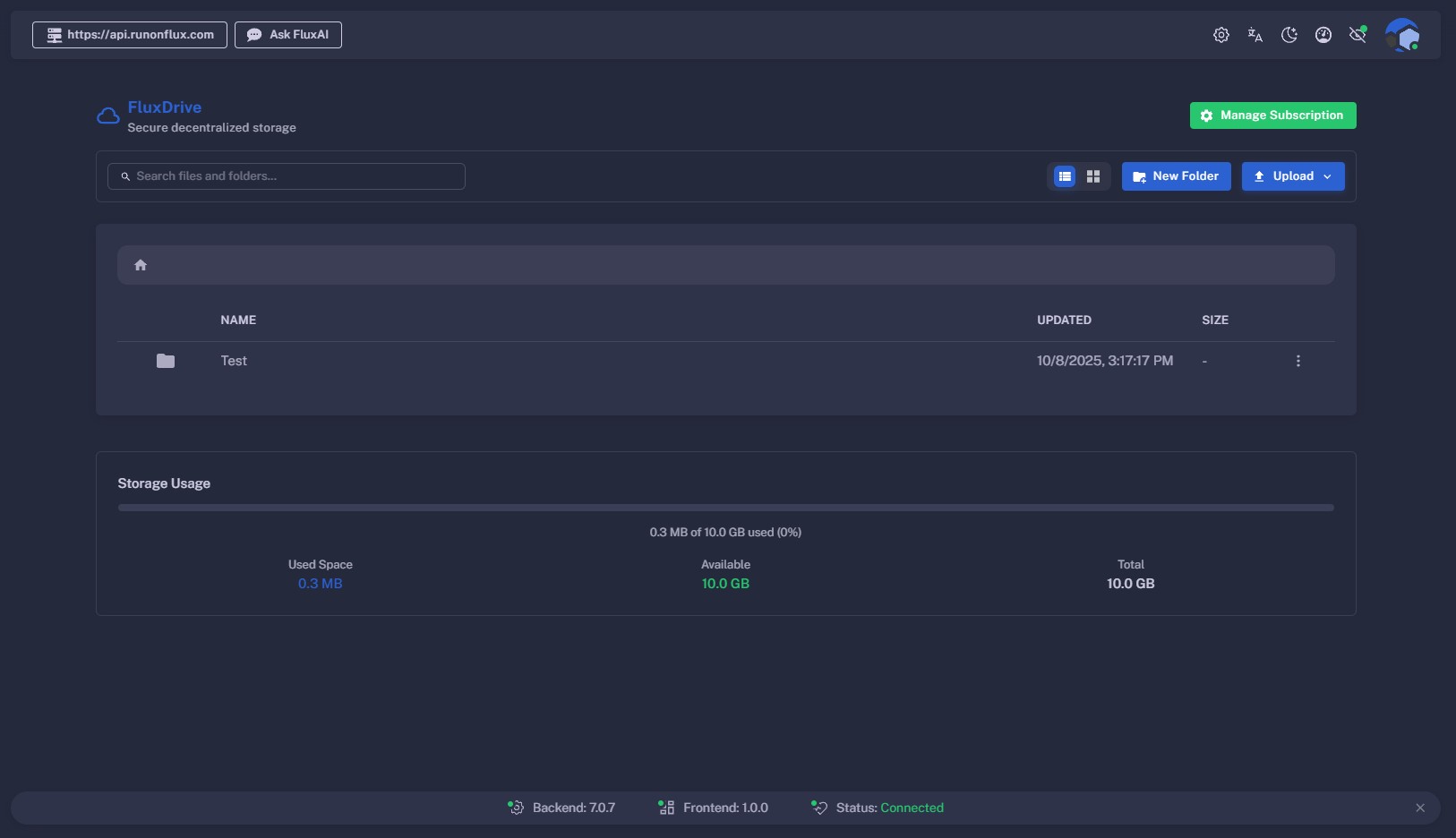
Once subscribed, you can start using FluxDrive’s web interface at cloud.runonflux.com/flux-drive.
Main Interface Features:
- + New button — Create a new folder, upload a file, or upload an entire folder via your file browser.
- View Switch — Toggle between list view and tile view.
- Storage Meter — View your current storage usage and capacity.
- Search Bar — Quickly find files or folders.
Folder Actions:
- Rename
- Delete
- Open by double‑clicking
File Actions:
- Open
- Rename
- Move to another folder
- Download
- Add new version
- Copy link (e.g.
https://fluxdrive.runonflux.io/ipfs/QmX2aMjbmMSnHEGbJ77FfwwG1agYfTSxXeFSNFQw6syBRJ) - Delete
Upgrade Plan — Use the Upgrade Plan button at any time to increase your storage.